
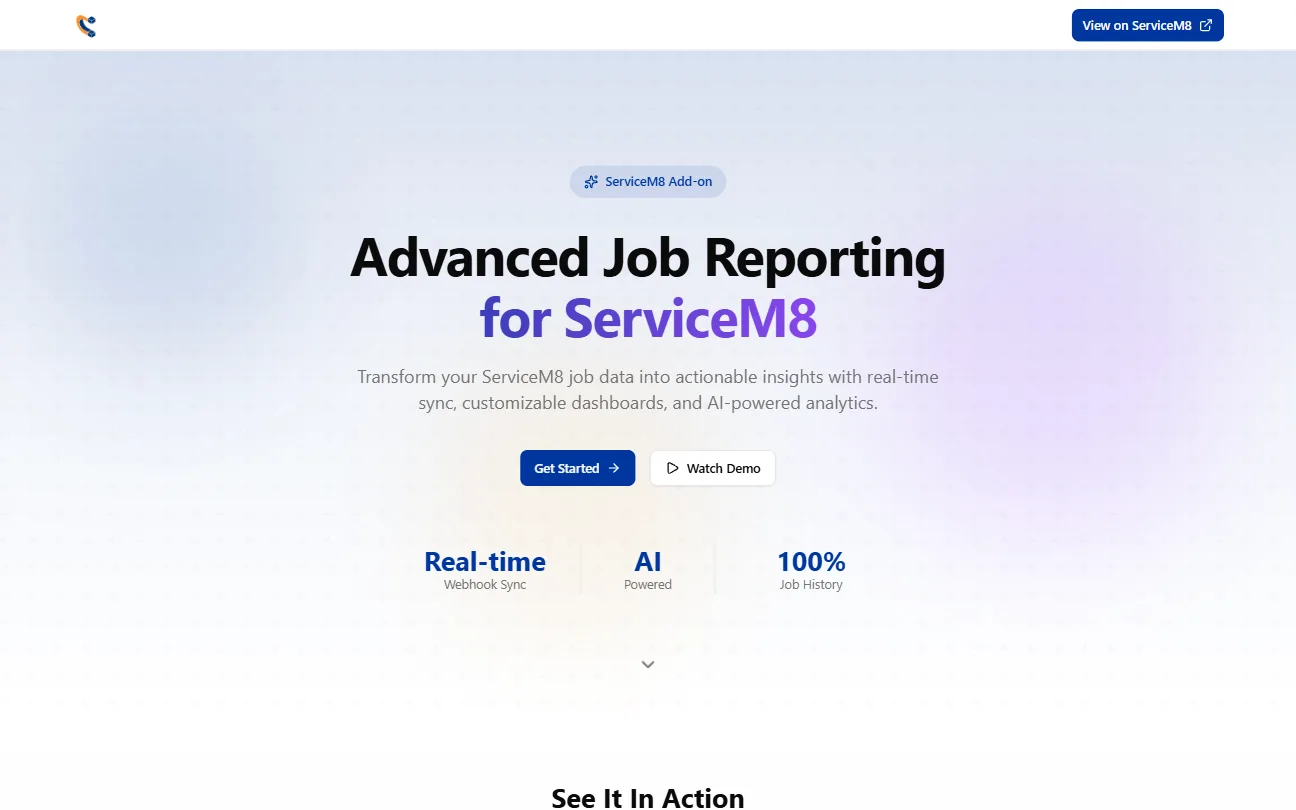
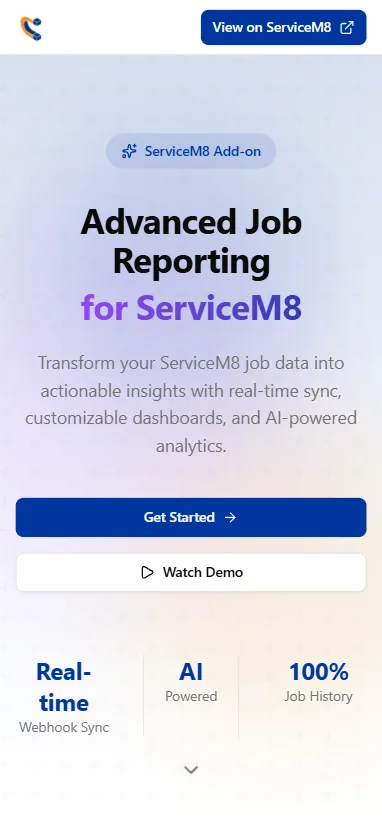








This one’s a product, not a one-off build. Advanced Job Reporting is our own paid add-on in the ServiceM8 marketplace, listed under Trade Magnet at $24.99 a month. It’s a full app, but instead of living on its own domain it runs right inside ServiceM8 itself: we build it against their add-on SDK so it loads in their own frame and feels like a native part of the platform.
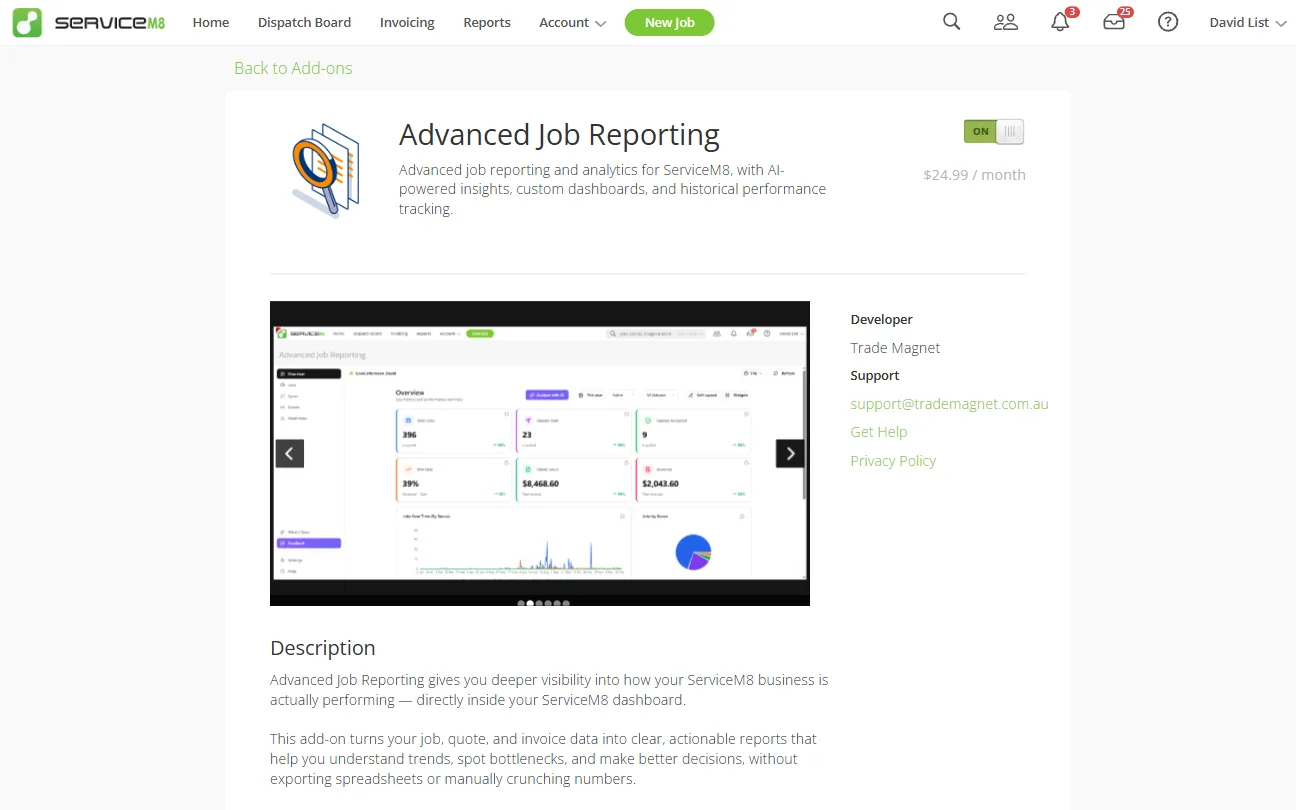
Prefer to watch? Here’s the quick rundown:
Your whole history, out of the black box
ServiceM8 holds a mountain of data on every job you’ve ever run, but getting at it in a way you can actually use is another story. Advanced Job Reporting pulls your entire job history out of your account, in proper detail, and exposes it so you can slice it, analyse it and build the reports you actually want.
A dashboard you can read at a glance
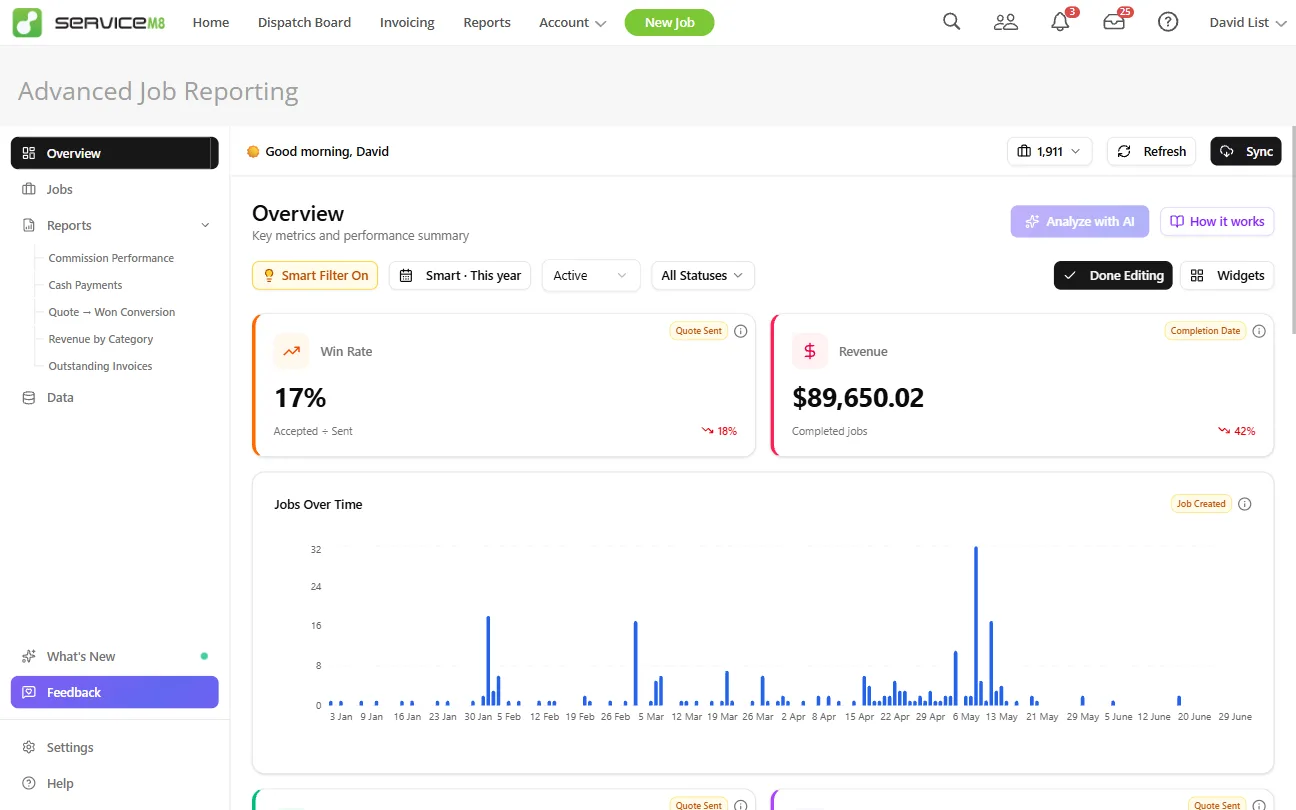
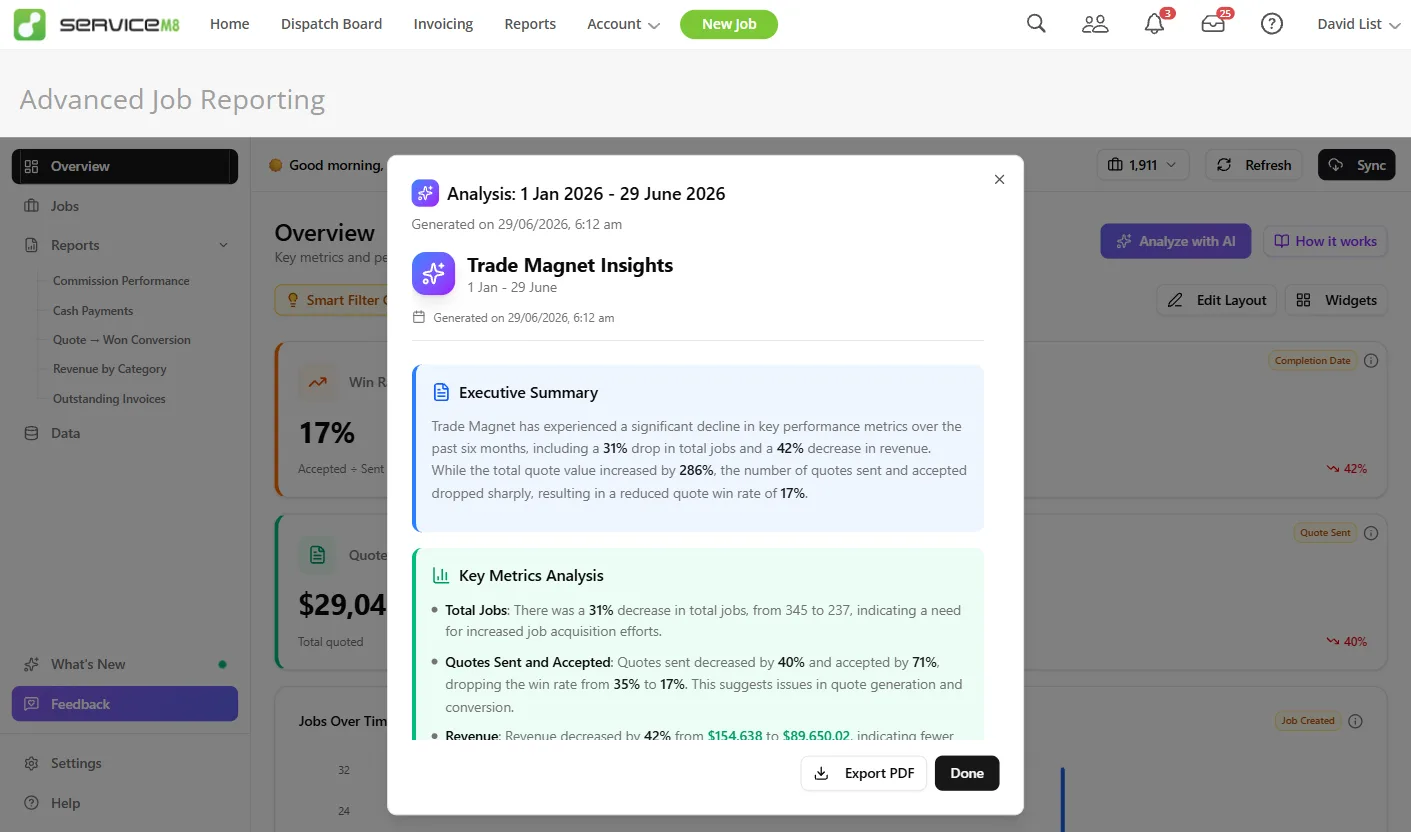
It opens on an overview: a snapshot of how the business is tracking for whatever window you pick. Win rate, revenue, jobs over time, work by status, the lot. The widgets are yours to arrange, drag them around, swap them out, and build the board that matters to you rather than one we decided on.
Ask the numbers a question
Tap “Analyse with AI” and it reads the board in front of you, your chosen timeframe and the widgets you’ve set, and tells you what’s actually going on. You get three AI analyses a day, so it stays useful without turning into a runaway bill.
Every job change, kept honest
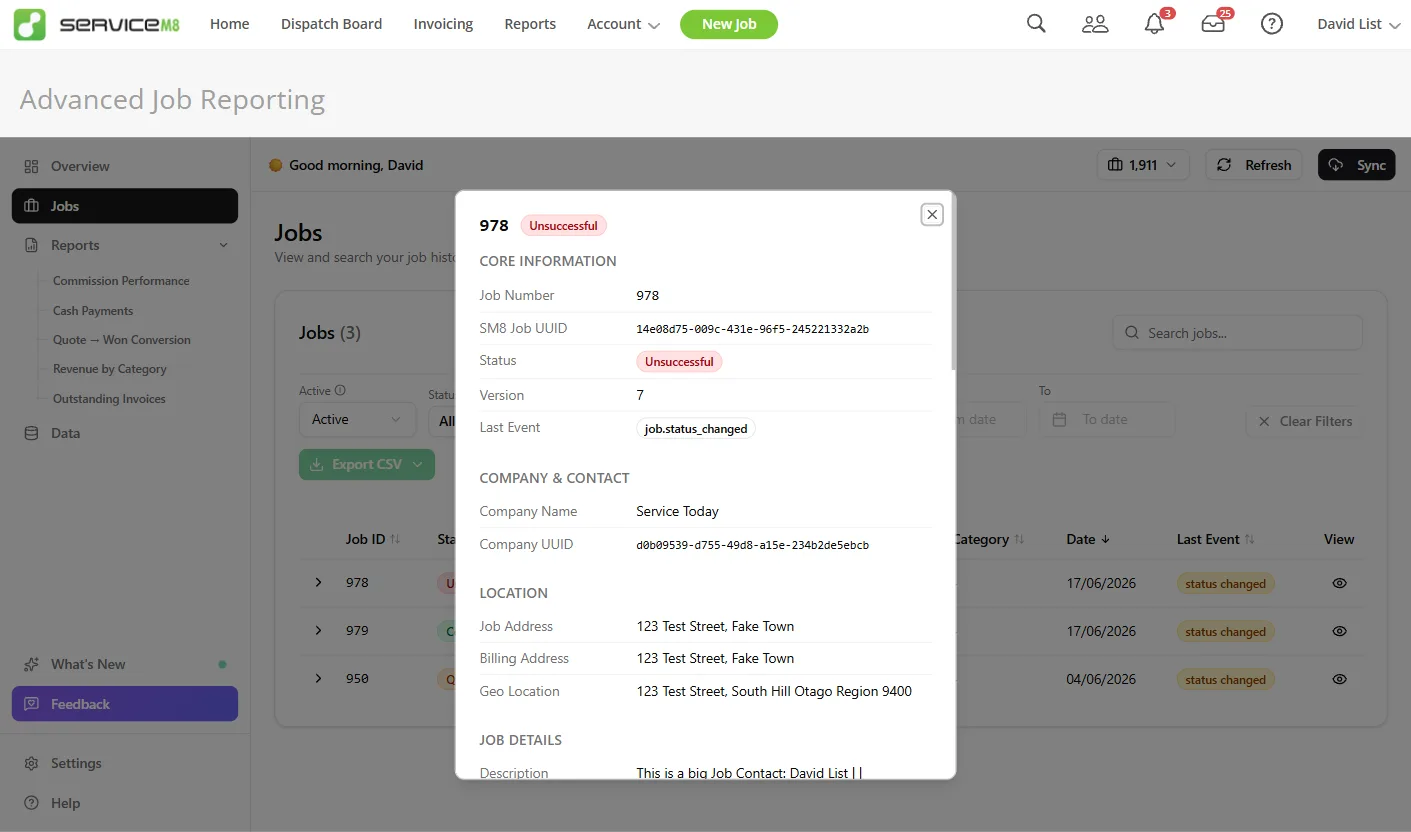
The Jobs tab is the full job history. Whenever a job is created or its status changes, we record it as it happened, so you can see the real timeline of a job instead of just where it landed. And we don’t hide the workings: it exposes the full data object that comes back, so you can see exactly what we’re giving you and check it for yourself.
Build your own reports, spreadsheet-style
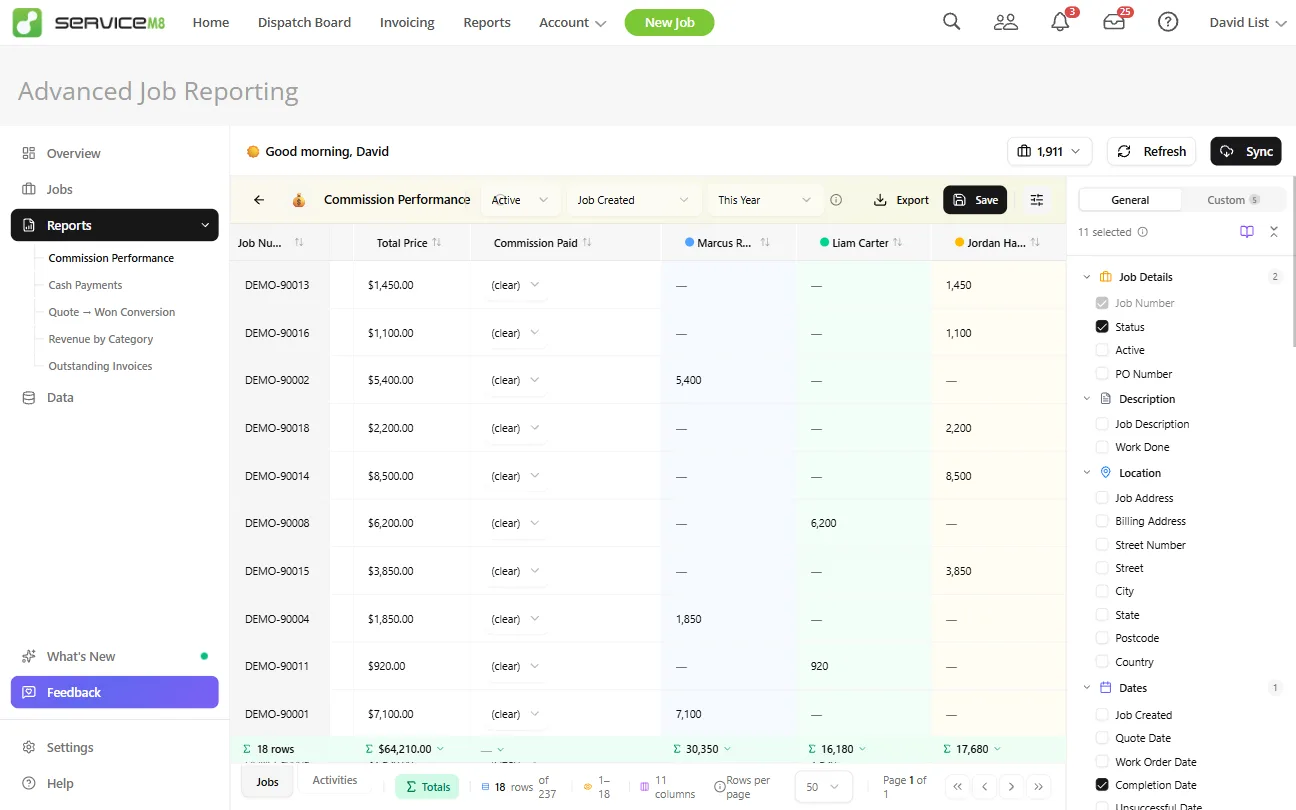
The big one people asked for: proper custom reports in a spreadsheet-style environment. Pick the fields you want, add calculated fields of your own, and shape the report exactly how you’d build it in a sheet. To make that easy we ship a field dictionary that explains, in plain English, what every field actually means, so you’re never guessing what you’re pulling.
Down to the activity
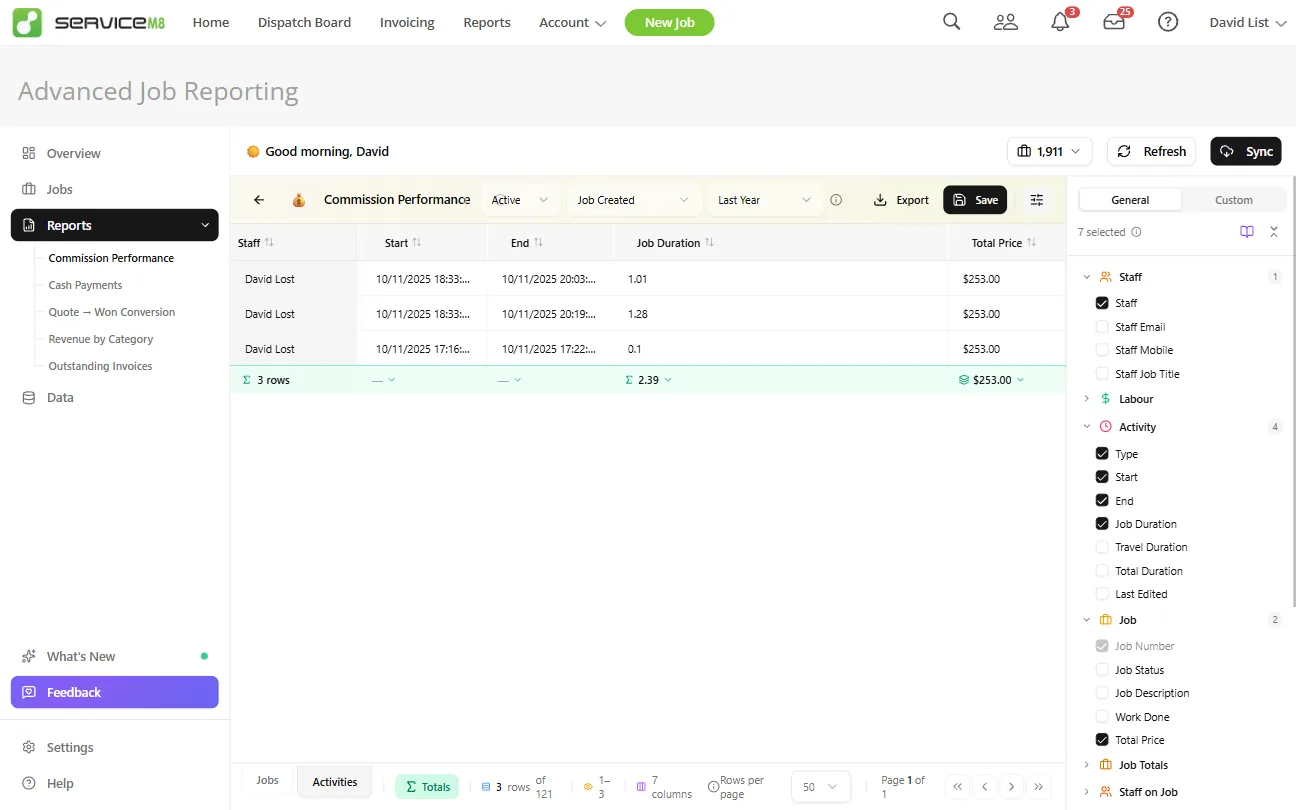
More recently we added activities. They’re worth calling out because they don’t work like job data: a job is a single object, but a job can have many activities, the scheduling on top of it. So we broke them out into their own tab. It’s really for time tracking, seeing how long people have actually been on a job, where the hours go, and what that does to the numbers.
Why it matters
This is the clearest example of what we mean by custom software: a real, full app, built on someone else’s platform with their own SDK, shipped as a product people pay for every month, and improved constantly. We use the same toolkit we’d bring to any client build. The difference here is we carry it ourselves, in public, on the line.